AAzen Captions
Saved

TRANSCRIPT

Captions

Runs in your browser. The first run downloads the speech model; your video is not uploaded.

If you want to grow faster on social media, stop trying to say everything at once.

Start with one clear idea that people can understand in three seconds.

Then use pattern interrupts, animated captions, and relevant B-roll.

That is how you turn a simple thought into content people remember.

Make the next video simpler, faster, and impossible to scroll past.

APPEARANCE

Caption style

38 px
All caps
Pop animation

VISUALS

B-roll

For “grow faster”

Clip duration2.5 sec

TIMING

Trim

✦
Remove silences

Automatically cut pauses longer than 0.5 seconds.

✂
Remove filler words

Clean up “um”, “uh”, and repeated words.

Original length00:19.2
Estimated after trim00:19.2

ONE-CLICK EDIT

Magic Edit

✦

Let AI finish the edit

Add zooms, B-roll, sound effects, transitions and clean cuts in one pass.

SOUND

Audio

Only audio you have the rights to use. Nothing is uploaded; it is mixed in your browser.
9:16 ⌄
72%
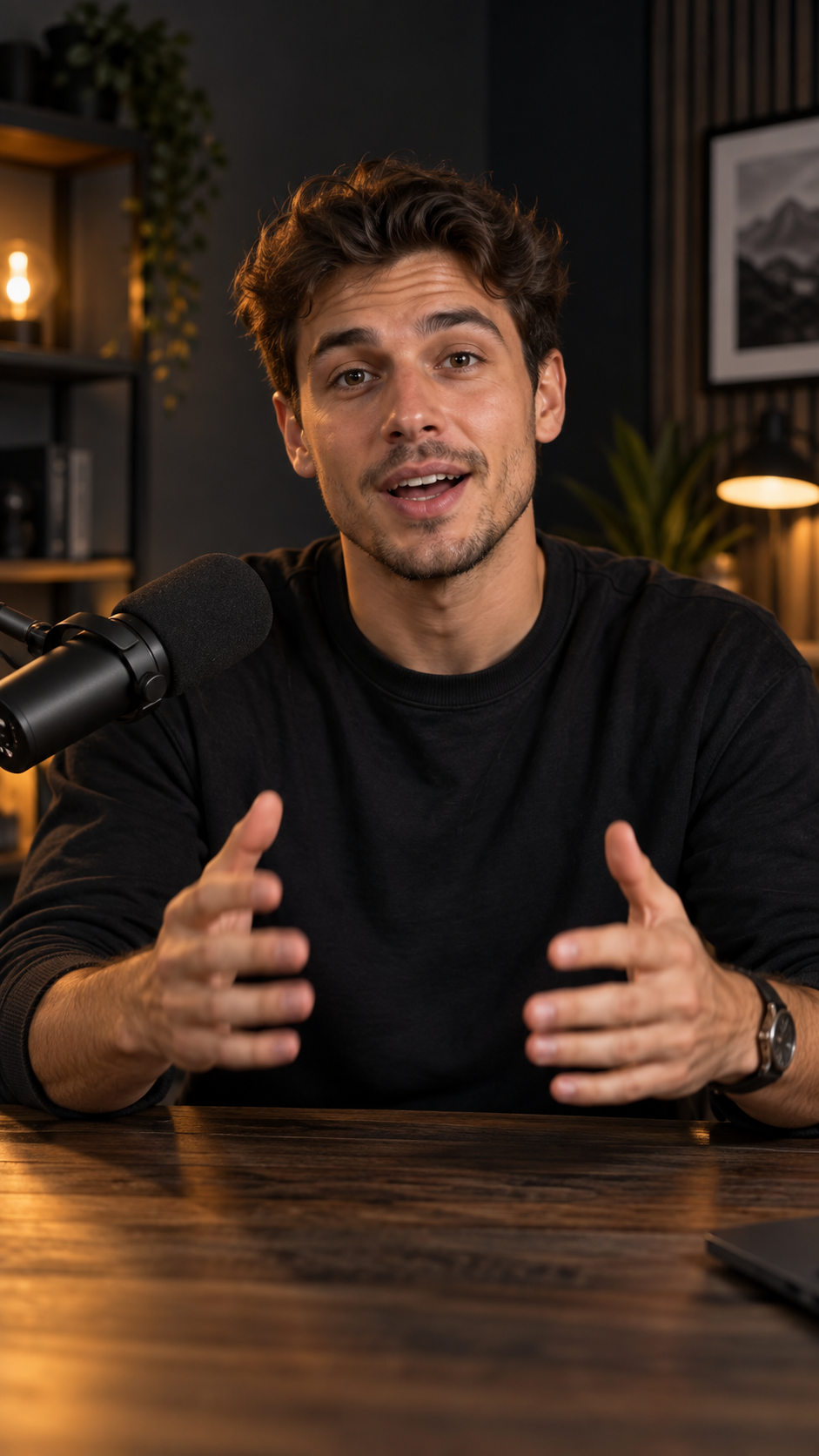
Creator speaking in a studio
▶Drop a video to start editingMP4, MOV, WebM and more
B-roll preview
BUILD MOMENTUM
IF YOU WANT TOGROW FASTER
azen
00:00.0 / 00:19.2
00:0000:0300:0600:0900:1200:1500:18
Video◉
CaptionsCC
✓

Edit appliedYour video is ready to preview.

Captions

Video Caption Editor for Shorts and Reels

Azen Captions turns a video and a subtitle file into a vertical clip with big, styled captions. Import an SRT or VTT file, correct the text, choose a style and a highlight colour, and export. It runs in your browser and your video is not uploaded.

How to add captions to a video

  1. Upload your video

    Choose a video file. It stays on your device.

  2. Add the captions

    Import an SRT or VTT file, or add captions by hand and edit the text. You can also strip filler words such as um and uh.

  3. Choose a style

    Pick Bold, Clean, Boxed or Karaoke, set the highlight colour and size, and turn caps and the pop animation on or off.

  4. Export

    Export a 9:16 vertical video at 720p or 1080p with the captions burned in.

Why use Azen Captions

SRT and VTT import

Bring in captions from any tool that makes subtitle files.

Four caption styles

Bold, Clean, Boxed and Karaoke with a highlight colour.

Skip silences

Detect pauses in the audio and skip them in the preview and export.

B-roll

Add your own image or video clip at a chosen moment.

Vertical export

A 9:16 WebM at 720p or 1080p with captions burned in.

Download SRT or VTT

Export just the subtitles as a subtitle file to use on YouTube, Instagram and other players.

Your own background music

Add your own audio track, set its volume and the original audio volume, and it is mixed into the exported video.

Private by design

Your video and captions are processed in your browser.

Auto captions in your browser

Generate captions with Whisper, then edit the text and pick a style.

What people use it for

  • Captioning Reels, Shorts and TikTok videos
  • Making silent-friendly videos for social feeds
  • Cleaning up subtitle text before publishing
  • Adding emphasis words with a highlight colour

Frequently asked questions

Does it create captions automatically?

Yes. Press Auto-generate captions and Whisper speech recognition runs in your browser, with no upload and no key. The first run downloads a speech model (about 40 to 80 MB); after that it is cached. Check the text, because accuracy drops with noise, accents and other languages. You can also import an SRT or VTT file.

Is it free and watermark free?

Yes. It is free, needs no account and adds no watermark.

Is my video uploaded?

No. Everything runs in your browser.

What does it export?

A vertical 9:16 WebM video at 720p or 1080p. Export plays the video in real time, so keep the tab open.

Does silence detection upload my audio?

No. The audio is analysed on your device. Very large files (over about 200 MB) are not analysed.

Is background music included?

No. Music is not added to exports in this version.